
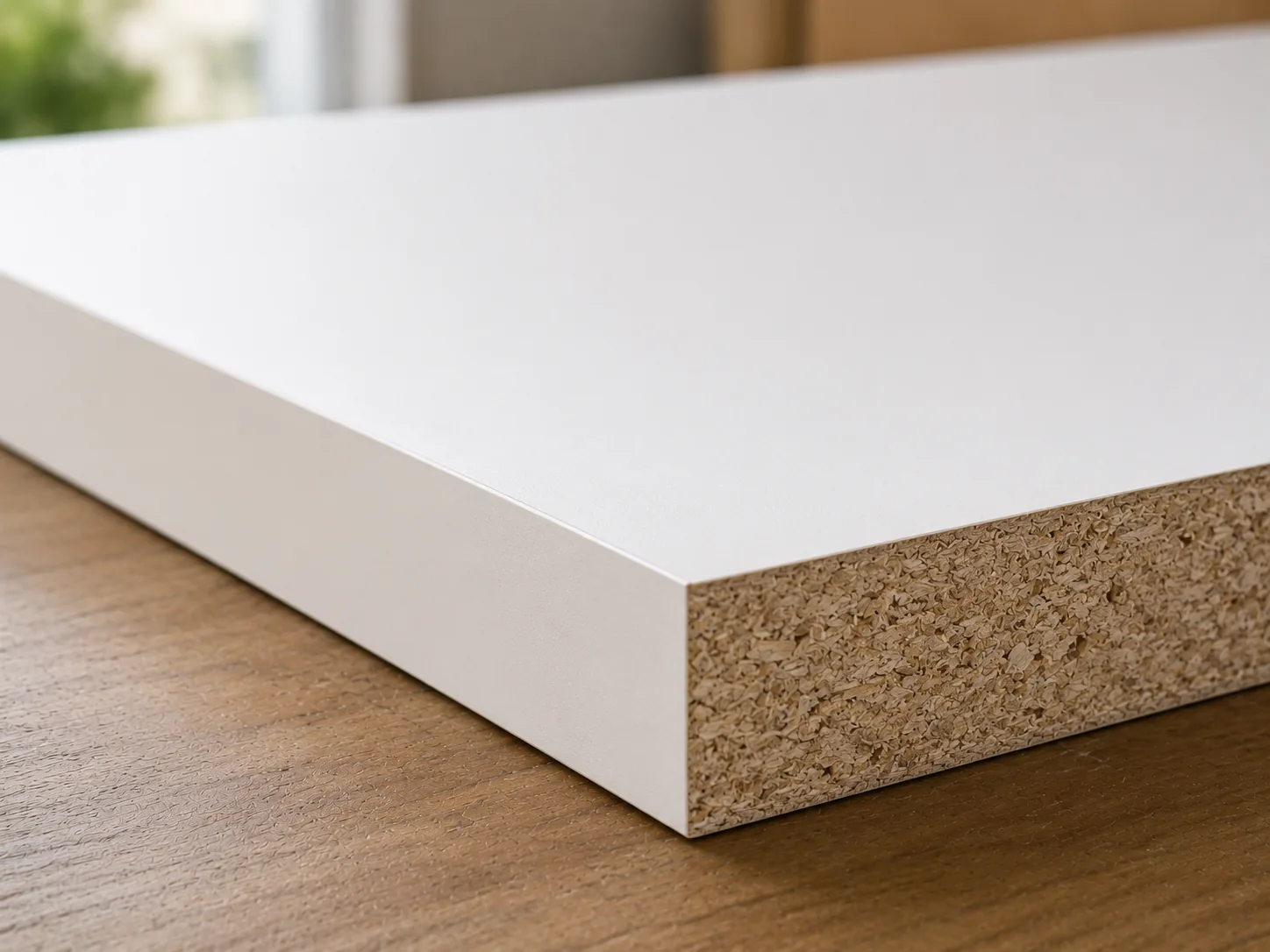
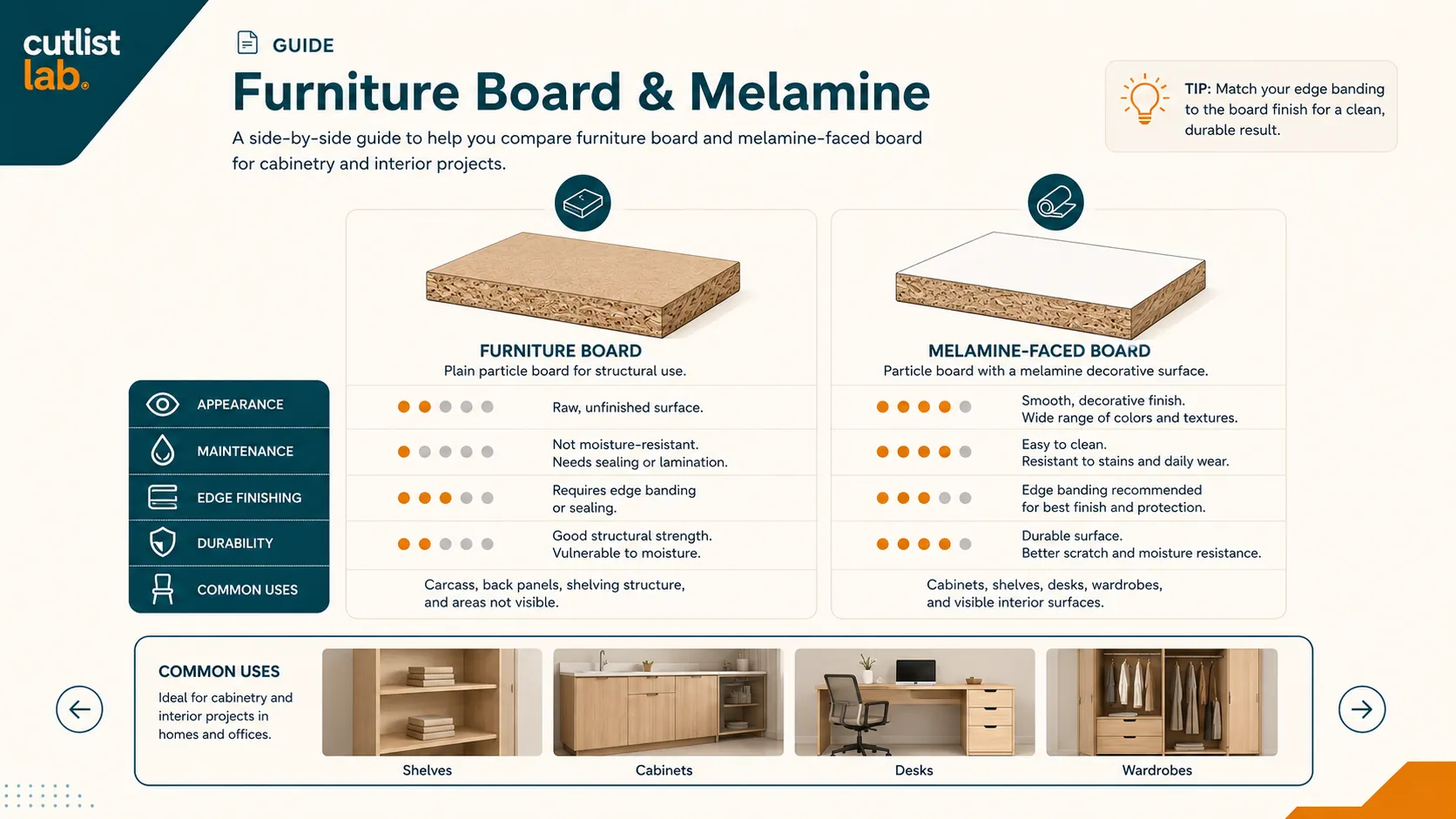
What is melamine board?
Melamine board is a particleboard or MDF core with a hard, decorative melamine layer pressed on both faces. The facing is finished straight away, white or a wood decor, scratch-resistant and ready to use, which makes it the standard for cabinet interiors, shelves and built-ins. The core stays moisture-sensitive, so cut edges need finishing.
Cutting without chip-out
The hard coating wants to chip where the teeth exit. To keep edges clean:
- Use a sharp blade with many fine teeth (a melamine or fine crosscut blade).
- Score the line first with a shallow pass, then cut full depth.
- Keep the good face up on a table saw, or good face down with a circular saw, and back the cut with a sacrificial board.
- Apply painter's tape over the cut line for extra insurance.
Finishing the edges
Cut edges show the bare core, so finish them with matching edge banding, iron-on or pre-glued, for a clean, sealed, factory look. This also protects the core from moisture.
What to use it for
Cabinet interiors, shelving, wardrobes and built-ins where you want a finished surface with no painting. Pick a decor that matches your project and let the optimizer rotate parts freely, since the decor has no grain.
Get your melamine cutting plan. In cutlistlab, enter your parts and get a layout with the least waste, and because the decor has no grain, parts rotate freely to pack tighter. Free, no account.
Frequently asked questions
How do I cut melamine without chipping?
Sharp fine-tooth blade, score the line first, back the cut with a sacrificial board, and tape over the cut line.
Do I have to band the edges?
For visible edges yes, to hide the core, finish the look and seal out moisture. Hidden edges can be left bare.
Can I paint melamine board?
Yes, with a bonding primer for melamine first, then paint, but most use it for its ready-made finish.