
cutlistlab › Manual › Account and syncing
Chapter 18
Account and syncing
Everything works without an account, locally. With an account your projects and offcut stock follow you across devices.
Why you might want it
Signing in is optional. With an account we save your projects on the server and they sync across your devices. Without an account everything stays local on this device.
The practical reason: you design at the kitchen table on your laptop and an hour later you are in the store with your phone. With an account your cutting plan is simply there.
The second reason is backup. Without an account everything sits in your browser, and clearing your browser data wipes it. See Storage and privacy.
Signing in or creating an account
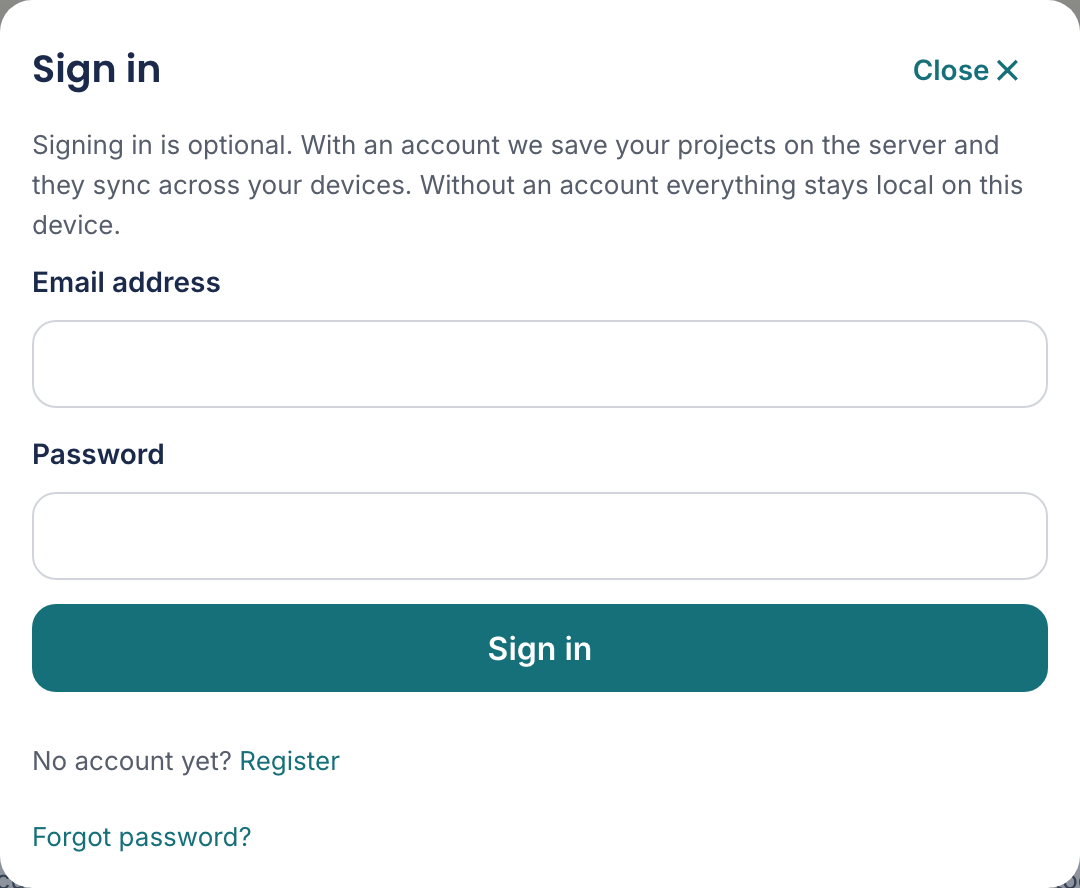
- Click Sign in at the top right.
- If you have no account yet, choose Create account. You only need an email address and a password.
- After signing in it says Signed in. Your projects and offcuts sync across your devices.
Lost your password? Use Forgot password and then Send reset link. If this email address is known to us, we have sent you an email with a recovery link. Check your spam folder too.
What happens to your existing work
If you already had projects before creating an account, they move to your account the first time you sign in. So you lose nothing, and there is nothing to retype.
Sign out signs you out again. It then says Signed out. Your projects stay stored locally on this device. So everything keeps working.
To get rid of it entirely there is Delete account and data. Your account and all projects on the server will be permanently deleted. Your projects on this device remain stored locally. Continue?