
cutlistlab › Manual › The material library
Chapter 5
The material library
Sheet material exactly as the store really sells it, with size, thickness and price. Plus your own saved sheets.
What is in the library
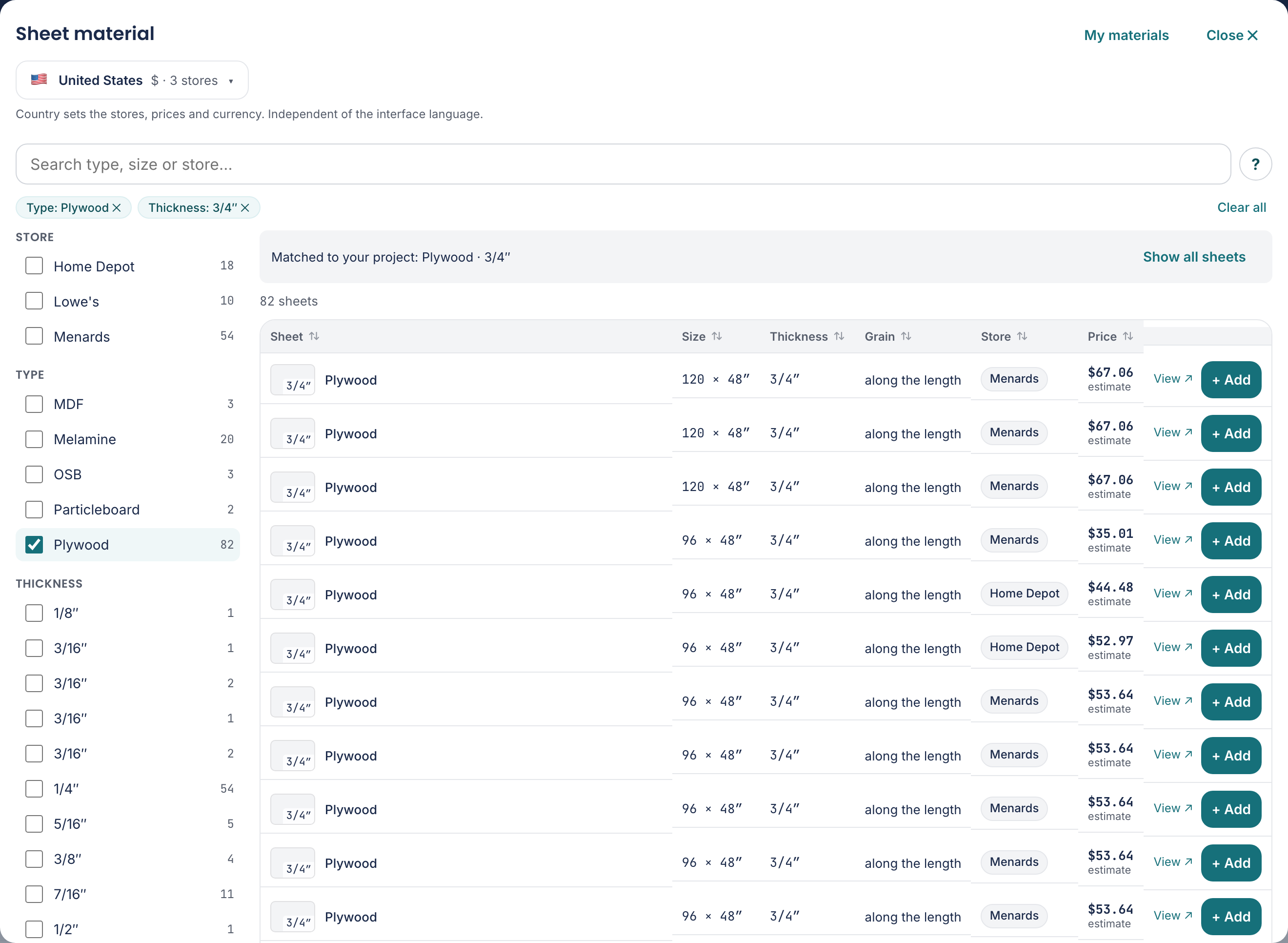
The library holds real sheet material that we collect automatically from the public listings of home improvement stores. That way you pick a sheet you can actually buy, with an indicative price.
The Dutch material selection includes [[materiaal.Lakboard (wit)]] alongside Hardboard: hardboard with a white painted face, in 3 and 3.2 mm, with a sheet size of 2440 × 1220 mm. In the cut list, select it under Material for the Back panel part, or use Drawer bottom material for a wooden drawer bottom. Set the matching sheet thickness. The selected name and thickness carry through to the cut list, 3D, assembly guide and exports. A metal drawer system keeps its prescribed bottom thickness.
You open it with Library, to the right of the Sheet material heading. Pick a sheet and its size, thickness, material and price land in your list in one go. So there is nothing to copy off a price tag.
Searching and filtering
At the top sits a search field: Search type, size or store…. Beside it you filter on Store, Type, Thickness and Size.
By default the list is already tuned to your project: if your parts are all 18 mm plywood, that is what you see first. To see everything anyway, click Show all sheets. If a filter yields nothing, it says No sheets found with these filters. with the button Clear filters.
With View ↗ you go to the page for that sheet at the store itself, so you can check the current price and stock.
You can also search by size, for example 2800x2100x18. If no store in the library sells that size, you get Add as my own sheet: it puts the sheet with that size and thickness straight into your sheet list, without a price.
Independent
We are retailer-neutral: no partnership, sponsorship or commission. We show stores only to help you choose; you buy wherever you like.
Which stores are in your library depends on the country you set. Country sets the stores, prices and currency. Independent of the interface language. See Languages, countries and currency.
Your own materials
If you often work with the same sheet, you do not have to look it up every time. Your own saved sheets. Save one with the three dots next to a sheet, then Save as custom material.
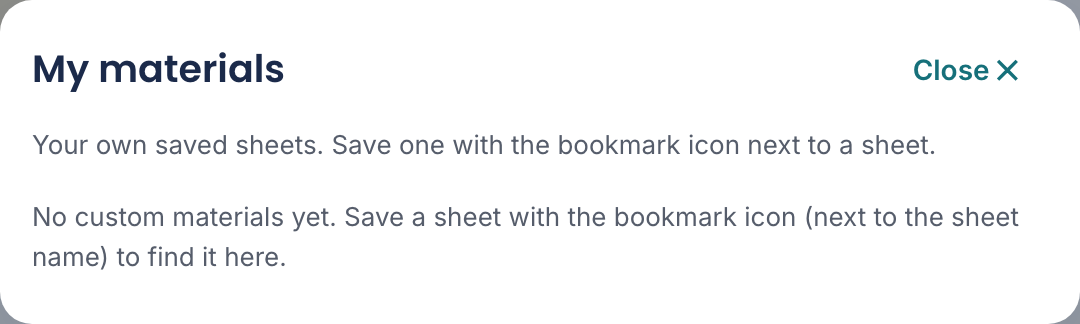
You find them again with the My materials button in the library. Copy to my list puts one into your sheet list; Remove from library removes one again.
Letting the tool choose
If you do not know yet which sheet you will buy, tick Choose sizes automatically. On: the tool picks the most economical sheet sizes for you. Off: you choose your own sheets.
The tool derives materials and thicknesses from your parts and picks the most economical sheet sizes from the catalogue according to your goal (waste, cuts or cost). Give each part a material and thickness.
Under Stores you decide where it may look. Tick the stores where you want to buy. Nothing ticked = all stores. Once you are happy, use Copy checked sheets to my list to fix the chosen sheets in your own list.